

What Ongoing IT Maintenance Actually
Covers (And What It Doesn’t)
If you ask ten business owners what “IT maintenance” means, you’ll probably get ten different answers.
For some, it means calling someone when something breaks.
For others, it means everything related to technology should be handled, no questions asked.
Both assumptions cause problems.
Ongoing IT maintenance isn’t vague — but it is often misunderstood. And when expectations don’t match reality, businesses either feel overexposed, overcharged, or frustrated when issues arise.
Let’s clear that up.
What Ongoing IT Maintenance Actually Includes
Good IT maintenance isn’t about reacting to problems. It’s about preventing them — quietly and consistently — so your systems stay stable and your team can work without interruption.
While exact coverage depends on your agreement, ongoing IT maintenance typically includes:
System monitoring and health checks
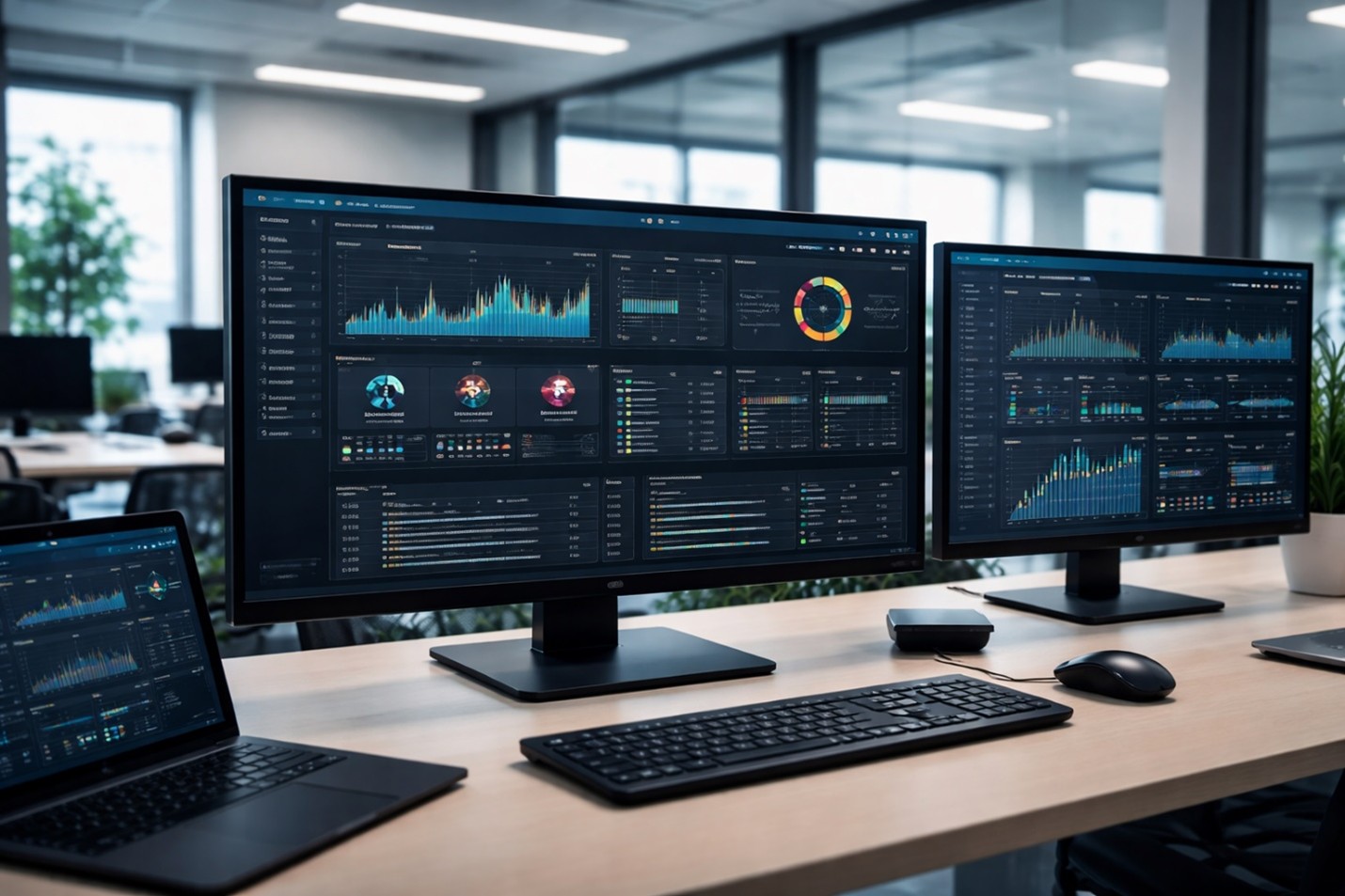
Behind the scenes, systems are monitored for performance issues, errors, and warning signs that could turn into downtime if ignored.
Software updates and patch management
Operating systems, business software, and critical tools are kept up to date to close security gaps and reduce compatibility issues.
Security monitoring and threat prevention
This includes watching for suspicious activity, managing protective tools, and addressing vulnerabilities through layered cybersecurity protections before they’re exploited.
Backup monitoring and verification
Ongoing maintenance ensures backups are running successfully and align with your backup and business continuity planning, so data can actually be restored when needed.
Performance tuning and issue prevention
Small issues are addressed early, before they affect productivity or turn into emergency calls.
Device and user oversight (within scope)
This becomes especially important for businesses relying on cloud-based systems and remote access, where user permissions and device health directly affect security.
What Ongoing IT Maintenance Usually Does Not Include
This is the part many businesses aren’t told clearly enough — and it matters.
Ongoing maintenance is designed to keep existing systems healthy, not to cover unlimited one-off work.
It typically does not include:
- Major hardware replacements
- Full system redesigns or infrastructure overhauls
- New software implementations or migrations
- Large projects outside the agreed scope
- Emergency recovery from years of deferred maintenance
That doesn’t mean help isn’t available — it means these situations are handled as projects, not routine maintenance. Clear boundaries aren’t a limitation. They’re what make maintenance predictable, effective, and fair.
Why DIY or “As-Needed” IT Maintenance Falls Short
Many businesses try to handle maintenance internally or on a break-fix basis. On paper, it feels flexible and cost-effective.
In practice, it usually leads to:
- Missed updates and inconsistent patching
- Security gaps that go unnoticed
- No centralized documentation or accountability
- Problems discovered after they disrupt work
Maintenance only works when it’s consistent. When it’s optional or occasional, it stops being maintenance and turns into reaction. That’s when small issues quietly stack up.
This reactive mindset is exactly why a “set it and forget it” approach to IT often leads to higher costs and more disruption over time.
How Ongoing IT Maintenance Protects Your Business Long-Term
When IT maintenance is done well, it’s almost invisible — and that’s the point.
Over time, proactive maintenance leads to:
- Fewer emergencies and interruptions
- More predictable technology costs
- Stronger security posture
- Longer lifespan for hardware and systems
- Easier compliance and audit readiness
Maintenance Isn’t About Fixing — It’s About Preventing
Good IT maintenance doesn’t feel dramatic. There are no fire drills. No surprise outages. No last-minute scrambles. That’s not because nothing ever goes wrong — it’s because problems are addressed early, before they derail the day.
If your IT only gets attention when something breaks, you’re not maintaining it. You’re reacting to it. And over time, that’s far more expensive — financially and operationally.
This is exactly what proactive IT support is designed to prevent.
Good IT is Quiet – And That’s the Point
For many Albuquerque small businesses, IT maintenance is the difference between predictable operations and constant interruptions.
If you’re not completely sure what your current IT maintenance includes — or what happens when something falls outside of it — a short conversation can bring clarity. No pressure. No scare tactics. Just a practical look at how your systems are being supported and whether that matches how your business actually runs.